


- Katılım
- 23 Eki 2022
- Mesajlar
- 6,173
- Çözümler
- 11
- Tepkime puanı
- 3,770
- Puanları
- 113
- Yaş
- 28
Fancy Physics Plugin (1.20.1, 1.20) aims to enrich the Minecraft experience by adding more realistic and interactive physics to the game. It introduces a range of features that affect how various objects and entities behave in the game world, making the gameplay feel more natural and immersive. With Fancy Physics, players can enjoy a deeper level of realism and complexity in their Minecraft adventures.




Features:
- Block particles
- Visual crafting (Experimental)
- Entity death particles
- Damage particles
- Realistic tree destroy animation
- Realistic explosions
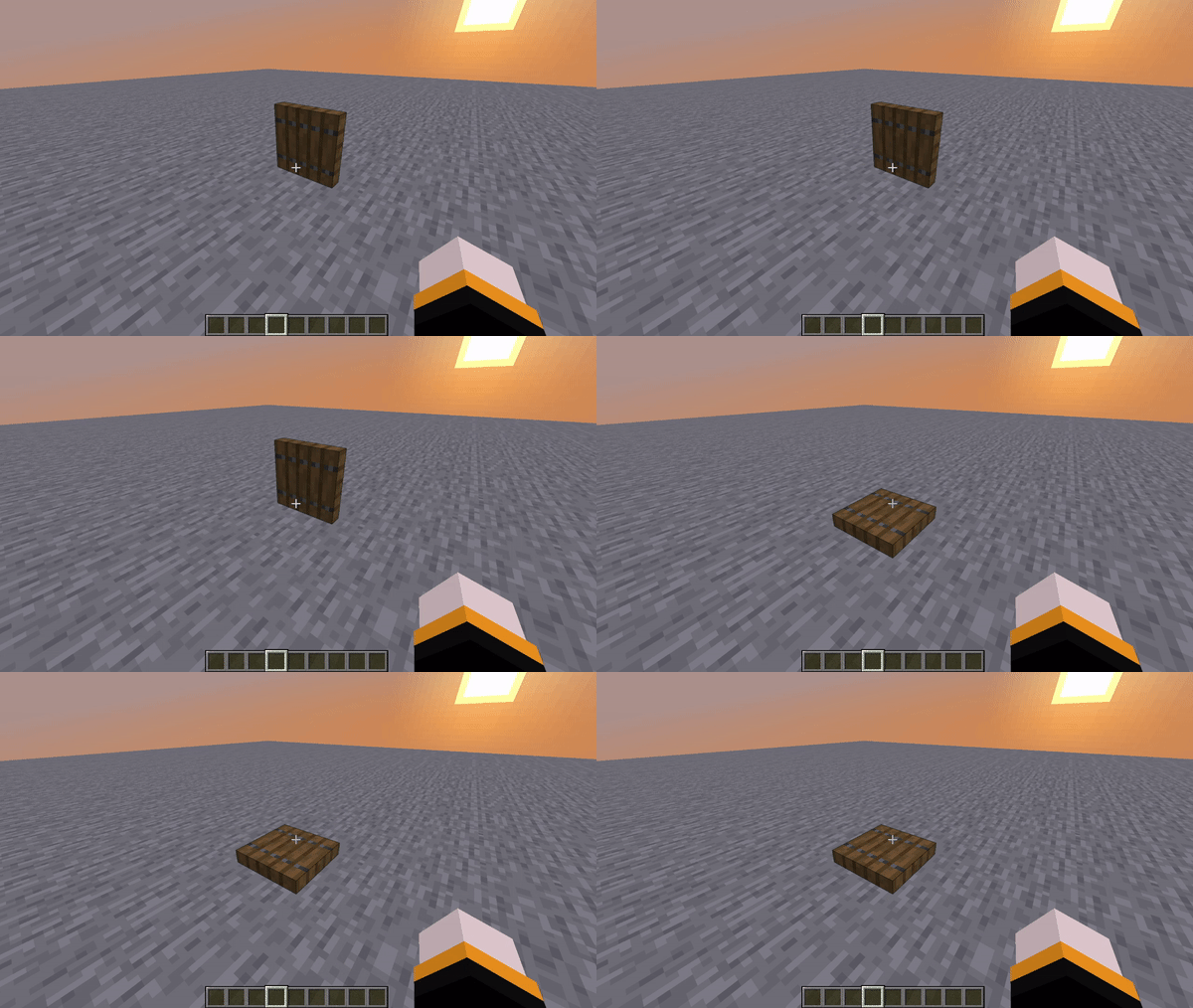
- Trapdoor animation (Experimental)
- API
- Sprint door break
Commands:
- /fancyphysics reload
- /fancyphysics settings realisticexplosion enable/disable
- /fancyphysics settings entitydeathparticles enable/disable
- /fancyphysics settings 3dblockparticles enable/disable
- /fancyphysics settings damageparticles enable/disable
- /fancyphysics settings particlerotation enable/disable
- /fancyphysics settings performancemode enable/disable
- /fancyphysics settings realistictrees enable/disable
- /fancyphysics settings dropsaplings enable/disable
- /fancyphysics settings maxparticlecount <value>
- /fancyphysics settings trapdoorphysics enable/disable
- /fancyphysics settings sprintdoorbreak enable/disable
- /fancyphysics settings visualcrafting enable/disable
Permissions:
- fancyphysics.admin
- fancyphysics.commands
Screenshots:
How to install:
- Download a plugin of your choice.
- Place the .jar and any other files in your plugin’s directory.
- Run the server and wait for it to fully load.
- Type stop in your Minecraft server console to bring the server to a clean stop.
- Run the server.
- All done! Your plugin should be installed and ready to be used.
İçeriği görüntülemek için Giriş yapın veya Kayıt olun.
